Microsoft Preview Ads: The Crystal Ball Your Marketing Budget Desperately Needs
Kwame Sarkodee-Adoo
Editor-in-Chief
Microsoft Preview Ads: The Crystal Ball Your Marketing Budget Desperately Needs
Because guessing how your ads look is so 2024.
Remember the Dark Ages?
There was a time. Not so long ago. When launching an ad campaign felt like throwing a message in a bottle into the ocean and hoping someone who actually wanted to buy artisanal pickle-scented candles would find it.
You would craft your headlines, upload your images, set your budget, cross your fingers, toes, and maybe a few nearby appendages, then hit Launch.
Then came the waiting. The wondering. The worrying.
"Does my ad look cut off on mobile?" "Why does my product image look like it was compressed by a potato?" "Is this even showing in the right country?!"
Enter Microsoft Preview Ads. The advertising equivalent of getting to peek at your exam questions before the test. Only this time, it is not cheating. It is just smart.
What Are Microsoft Preview Ads? (Besides a Marketer's Best Friend)
Microsoft Preview Ads are not just one thing. They are an ecosystem of features designed to let you see, test, and optimize your ads before they go live (or while they are running, because real-time tweaking is the new black).
1. The Ad Preview and Diagnosis Tool
Think of this as your personal ad inspector. This tool lets you:
- Preview live ads on Bing search results without burning impressions
- Specify keywords, language, domain, and location
- See exactly how your ads appear across desktop, mobile, and tablet
- Get diagnostic info if your ad is not showing (and suggestions to fix it)
Translation: No more guessing whether your headline gets truncated on an iPhone SE. You can literally see it. With your eyeballs.
2. The Magazine Layout (Currently Testing)
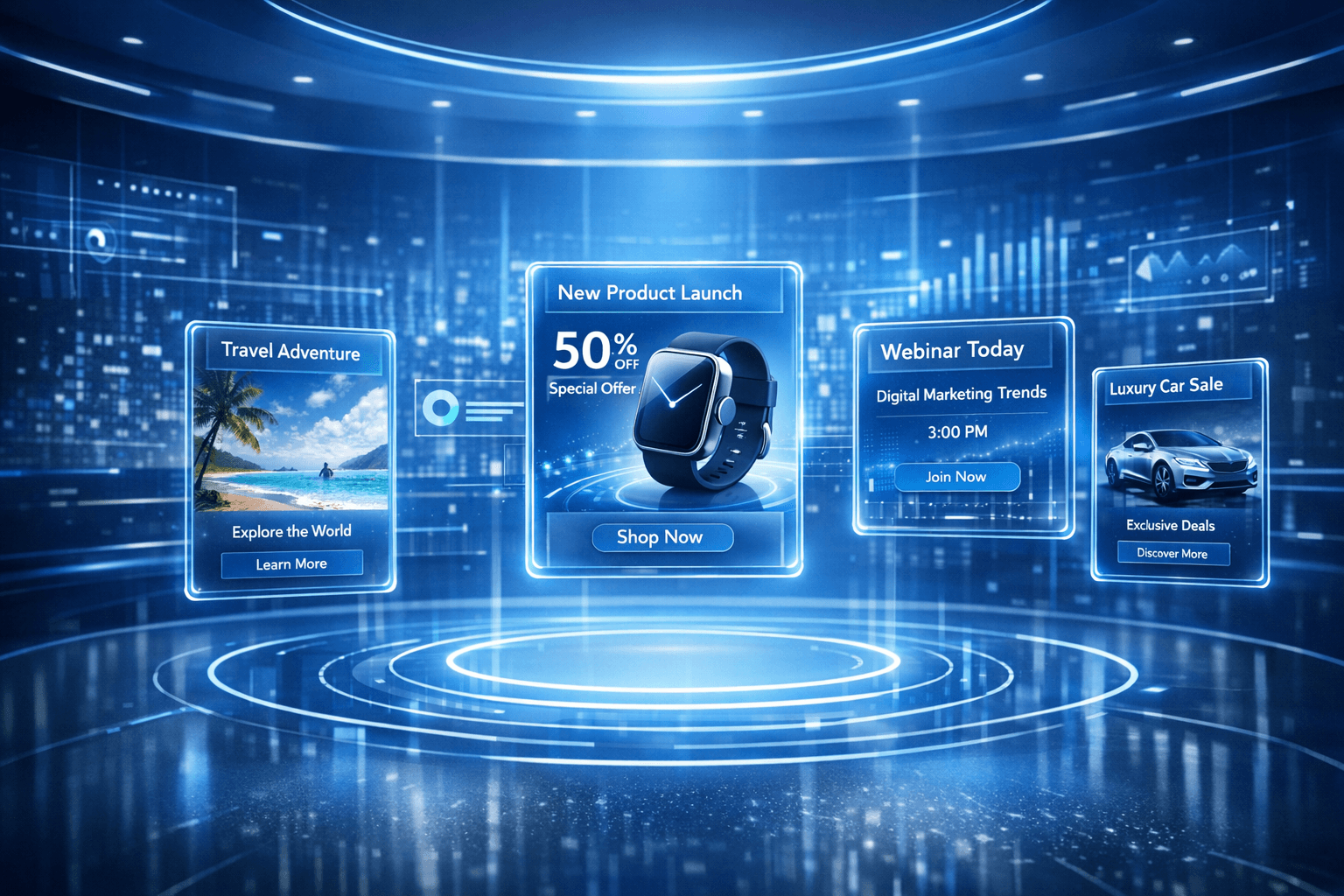
Microsoft is testing a slick new magazine-style Answer Card format that displays ads in a card-style grid arrangement. It is like Pinterest had a baby with Bing, and that baby is gorgeous.
- Eligible through Shopping, Multimedia Ads, or Performance Max campaigns
- Appears at the top of select Bing SERPs
- Multiple ad cards in a horizontal or tiled preview
The catch: No dedicated auction yet, so your ad might appear here or elsewhere based on competition. It is like musical chairs, but for ad placement.
3. Showroom Ads: The Try Before You Buy Experience
Now we are talking. Showroom Ads launched in pilot mode in April 2025, and they are the closest thing to a try before you click experience:
- Triggered by purchase intent signals (like Copilot queries)
- Users enter an immersive, interactive experience
- Conversational shopping with real-time AI brand agents
- Virtual experts answer questions, offer recommendations, and guide decisions
Imagine a customer asking Copilot, "What is the best noise-canceling headphone under $300?" and instead of just getting links, they get whisked into a virtual showroom where an AI brand agent from Bose or Sony walks them through options, demos features, and answers questions.
That is the future. And it is happening now.
The 2025-2026 Feature Buffet
Microsoft is not just resting on its preview laurels. Here is what is cooking:
New Aspect Ratios (April 2025): Four new ratios (2.01:1, 1.69:1, 1.53:1, 1.24:1) added and three removed to better reflect available placements across the network. Your ads look right everywhere.
Longer Short Headlines: Increased to 40 characters (from 30) for Audience ads. More room to be clever.
Vertical Video Support: 9:16 format for online video and Premium Streaming. Repurpose those TikToks.
90-Second Video Creatives: Extended length for sensitive verticals like pharma. Tell the whole story.
Autogenerated RSA Assets: AI pulls website content for headlines and descriptions. 5% CTR boost, zero effort. Globally rolled out starting January 2026.
Carousel Import: Google/Meta carousel ads convert to Audience ads. Less copy-paste, more naps.
Placement and Topic Targeting: Target specific Microsoft properties or content categories. Precision beats scattergun.
Why This Matters (The So What Section)
1. Stop Burning Budget on Bad Creative
With proper preview tools, you catch the oops moments before they cost you $500 in clicks from people who thought they were clicking on something completely different.
2. AI-Powered Optimization
The autogenerated assets feature is not just convenient. It has been shown to increase CTR by 5%. That is not nothing when you are running campaigns at scale.
3. The Copilot Factor
Microsoft is betting big on AI-assisted experiences. Showroom Ads integrate directly with Copilot, meaning your ads appear in conversational contexts where users are already expressing intent. It is like having a sales rep standing next to someone who is actively asking about your product category.
4. Cross-Platform Harmony
Longer headlines and carousel imports make it easier to maintain consistent messaging across Google, Meta, and Microsoft. Less adapting for every platform, more create once, adapt smartly.
How to Get Started (Without Losing Your Mind)
For the Ad Preview Tool:
- Log into your Microsoft Advertising account
- Go to Tools > Ad Preview and Diagnosis
- Enter your keyword, location, language, and device
- Marvel at your ad in all its glory (or fix what is broken)
For Showroom Ads (Pilot):
- Contact Microsoft Advertising support
- Express interest in the pilot program
- Prepare to blow your clients' minds
For Performance Max Campaigns:
- These are in open beta worldwide
- Set up conversion goals and let the AI do its thing
- Use the preview tools to sanity-check outputs
The Bottom Line
Microsoft Preview Ads represent something rare in digital marketing: genuine innovation that actually helps advertisers instead of just making the platform more money.
The ability to preview, test, and optimize before (and during) campaigns means:
- Better creative decisions
- Higher CTRs
- Less wasted spend
- Happier clients
- Fewer 2 AM panic attacks about whether your mobile ad looks like garbage
And with AI-powered features like autogenerated assets and Showroom Ads, Microsoft is positioning itself as more than just the alternative to Google. It is becoming a genuine innovator.
Your Action Plan
This Week: Check your existing campaigns using the Ad Preview and Diagnosis tool. Fix anything that looks wonky.
This Month: Test Performance Max campaigns if you have not already. Use the preview features to validate asset combinations.
This Quarter: Reach out about Showroom Ads if you are in a high-consideration vertical (electronics, automotive, B2B services, etc.).
Always: Keep an eye on those aspect ratios. Your creative should look stunning everywhere. Not just on your 27-inch monitor.
Final Thoughts
The days of launching ads blindly and hoping for the best are over. Microsoft Preview Ads give you the visibility, control, and AI-powered optimization that modern marketing demands.
So go forth. Preview with confidence. Test without fear. And may your CTRs be ever in your favor.
P.S. If you find yourself spending more time playing with the preview tool than actually launching campaigns... well, we will not judge. It is oddly satisfying.
Sources: Microsoft Advertising Blog, Perplexity Research, Industry Analysis
Best For: Digital marketers, PPC specialists, growth teams, and anyone tired of guessing how their ads actually look
Sources
This article was based on reporting from Microsoft Advertising, Industry Research. All claims have been independently verified.
About This Article
Research: AI tools monitored news sources; stories selected and verified by editors
Writing: AI-generated draft, extensively edited and enhanced by Kwame Sarkodee-Adoo
Fact-Checking: All claims verified against reputable sources
Published: February 15, 2026
🤖 We believe in transparency. Learn about our editorial process →
Join the Conversation
Stay ahead of the AI curve
Get the latest AI insights delivered straight to your inbox. No spam, just intelligence.